
Key Takeaways
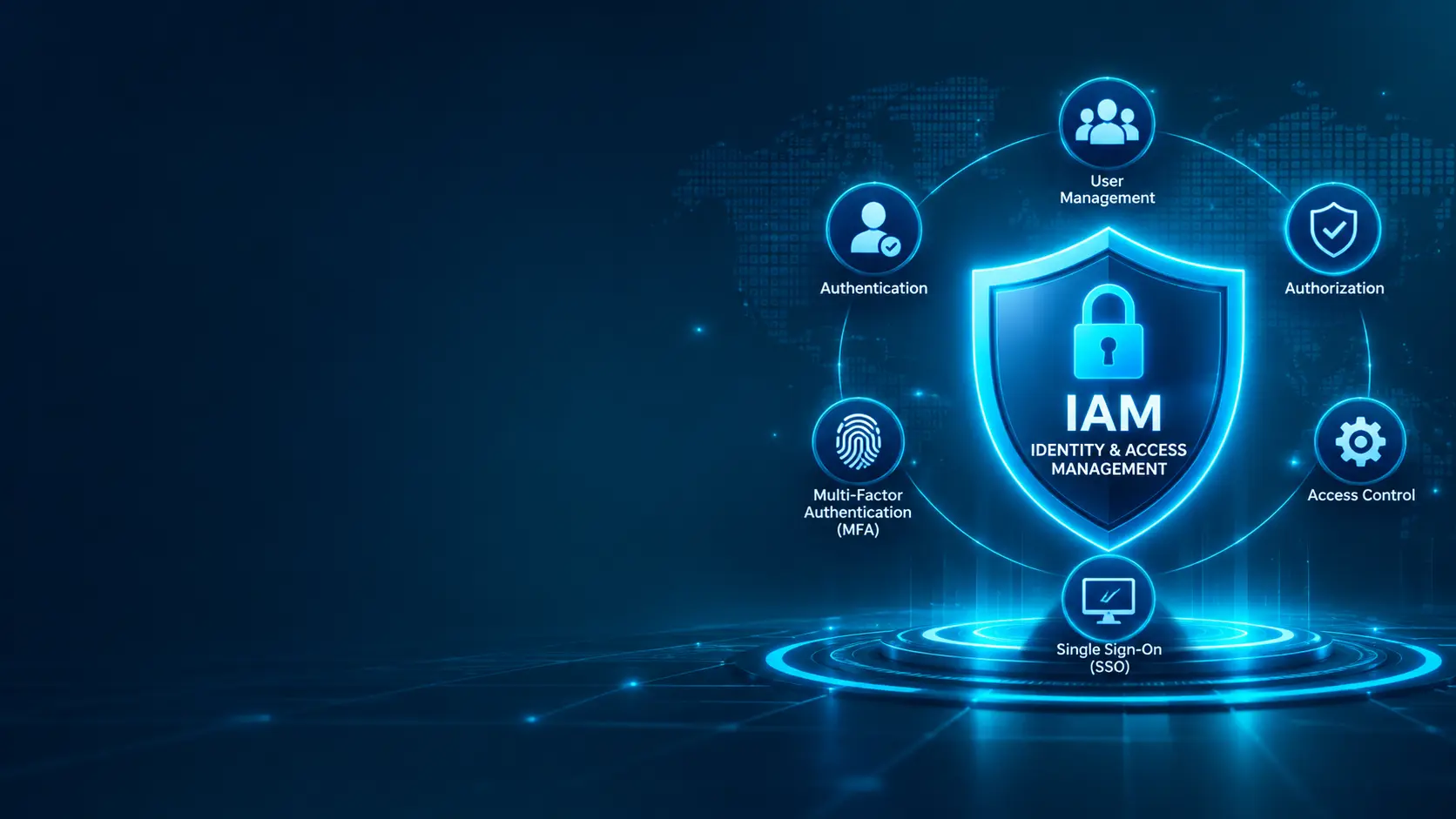
- Identity and Access Management (IAM) helps organizations manage digital identities and control access to applications, systems, data, and other business resources.
- Modern IAM combines identity lifecycle management, authentication, authorization, access policies, and monitoring.
- Single Sign-On (SSO) and Multi-Factor Authentication (MFA) improve the security and usability of enterprise access.
- Role-Based Access Control (RBAC), least-privilege principles, and access reviews help reduce unnecessary permissions.
- Privileged Access Management (PAM) adds controls around administrator accounts and other high-risk access.
- IAM supports Zero Trust security by helping organizations verify identities and enforce access decisions based on policy and context.
What Is Enterprise Identity and Access Management (IAM)?
Identity and Access Management (IAM) is a framework of policies, processes, and technologies used to manage digital identities and control access to an organization's resources.
An enterprise IAM solution helps administrators manage employees, contractors, partners, service accounts, and other identities throughout their lifecycle.
It determines how users prove who they are, which resources they can access, and what actions they are allowed to perform.
Modern IAM platforms can integrate with business applications, cloud services, directories, endpoint platforms, and security monitoring tools.
IAM is therefore a foundational part of enterprise cybersecurity, helping organizations protect sensitive information while giving authorized users appropriate access to the resources they need.
Why Businesses Need Enterprise IAM in 2026
Modern organizations use a growing number of cloud applications, internal systems, SaaS platforms, remote-access services, and connected devices.
Employees may work from different locations and use multiple devices to access business resources. Contractors and partners may also require controlled access to selected systems.
Without a consistent identity and access strategy, organizations can struggle with excessive permissions, unmanaged accounts, weak authentication, and delayed access removal.
Businesses need enterprise IAM to help:
- Protect business applications and sensitive information
- Verify user identities before granting access
- Apply consistent access policies across systems
- Reduce unauthorized access and account misuse
- Manage employee onboarding, role changes, and offboarding
- Enforce least-privilege access
- Simplify access through Single Sign-On
- Strengthen authentication with Multi-Factor Authentication
- Monitor identity-related activity
- Support security governance and compliance requirements
IAM should be treated as a core component of an enterprise security architecture rather than simply a user directory or login system.
Core Components of an Enterprise IAM System
Enterprise IAM brings together several capabilities to manage identities and access securely.
1. Identity Management
Identity management covers the creation, maintenance, updating, and removal of digital identities.
It helps organizations maintain accurate identity records for employees, contractors, partners, and service accounts.
2. Authentication
Authentication verifies that a user, device, or service is who or what it claims to be.
Common authentication methods include:
- Password-based authentication
- Multi-Factor Authentication
- Passkeys and security keys
- Biometric authentication
- Certificate-based authentication
- Federated authentication
3. Authorization
Authorization determines what an authenticated identity is permitted to do.
For example, an employee may be allowed to view a business application while only an approved finance manager can access payroll records.
4. Access Control
Access control applies rules that determine which identities can access particular applications, systems, data, or functions.
Organizations can use roles, groups, attributes, policies, and contextual conditions to make access decisions.
5. Identity Lifecycle Management
Identity lifecycle management controls access as a person's relationship with the organization changes.
Typical stages include:
- Joiner: creating an identity and assigning initial access
- Mover: updating access when responsibilities or roles change
- Leaver: disabling accounts and removing access when a person leaves
6. Identity Governance and Administration
Identity Governance and Administration (IGA) helps organizations define, review, approve, and audit access.
It can support access certifications, approval workflows, segregation-of-duties controls, and reporting.
7. Privileged Access Management
Privileged Access Management (PAM) focuses on accounts and credentials with elevated permissions.
It can help secure administrator accounts, control privileged sessions, manage secrets, and record high-risk activities.
Key IAM Technologies and Capabilities
1. Single Sign-On (SSO)
Single Sign-On allows users to authenticate once and access multiple connected applications without repeatedly entering credentials.
SSO can improve the user experience and reduce password-related friction.
It can also centralize authentication policies, especially when combined with MFA and appropriate session controls.
2. Multi-Factor Authentication (MFA)
Multi-Factor Authentication requires users to provide more than one type of verification before access is granted.
Factors can include:
- Something the user knows, such as a password or PIN
- Something the user has, such as a security key or authenticator device
- Something the user is, such as a biometric characteristic
MFA can reduce the risk of account compromise when passwords are stolen, guessed, or reused.
3. Role-Based Access Control (RBAC)
Role-Based Access Control assigns permissions according to a user's organizational role.
For example:
- HR team: access to approved HR applications and employee records
- Finance team: access to finance and accounting systems
- IT administrator: approved infrastructure administration permissions
- Standard employee: access to general business applications
RBAC makes access administration easier to manage, but roles should be reviewed regularly to prevent permission accumulation.
4. Attribute-Based Access Control (ABAC)
Attribute-Based Access Control makes access decisions using attributes associated with the user, resource, action, and environment.
For example, access may depend on a user's department, device status, requested application, or location-related policy conditions.
ABAC can provide more granular access decisions when role-based rules alone are not sufficient.
5. Privileged Access Management (PAM)
PAM protects accounts with administrative or otherwise elevated permissions.
Common capabilities include:
- Privileged credential vaulting
- Just-in-time privileged access
- Approval-based access workflows
- Privileged session monitoring and recording
- Password and secret rotation
- Administrative activity auditing
6. Identity Federation
Identity federation allows trusted identity providers and applications to exchange authentication information.
Standards and protocols such as SAML, OAuth 2.0, and OpenID Connect are commonly used in modern identity architectures for different federation and authorization scenarios.
7. Passwordless Authentication
Passwordless authentication allows users to sign in without relying on a traditional password.
Depending on the implementation, it can use passkeys, security keys, certificates, or other cryptographic authentication methods.
Enterprise IAM and Zero Trust Security
Zero Trust is based on the principle that access should not be trusted automatically because a user or device is inside a corporate network.
Identity is an important part of Zero Trust because access decisions need to consider who or what is requesting access and whether the request meets the organization's security policies.
An IAM platform can support Zero Trust strategies through:
- Strong identity verification
- Multi-Factor Authentication
- Least-privilege permissions
- Role- and attribute-based access policies
- Lifecycle-based access changes
- Privileged access controls
- Session and access monitoring
- Integration with endpoint and security platforms
IAM is not Zero Trust by itself. It is one important capability within a broader security architecture that can also include device security, network controls, application protection, and continuous monitoring.
Enterprise IAM vs Traditional Access Management
| Feature | Basic Access Management | Enterprise IAM | |---|---|---| | User Accounts | Basic account administration | Centralized identity lifecycle management | | Authentication | Often password-focused | Supports multiple authentication methods | | Single Sign-On | Limited or separate | Integrated SSO capabilities | | Multi-Factor Authentication | May require separate tools | Policy-driven MFA integration | | Access Policies | Basic permissions | Role-, attribute-, and context-based policies | | User Provisioning | Often manual | Automated provisioning workflows | | Access Reviews | Limited | Governance and certification workflows | | Privileged Access | Often separately managed | Can integrate with dedicated PAM capabilities | | Audit and Reporting | Basic logs | Centralized identity and access reporting | | Application Integration | Limited | Broad enterprise and cloud integration |
The right IAM approach depends on the organization's size, application landscape, regulatory requirements, identity sources, security maturity, and budget.
Where Enterprise IAM Is Used
IAM can help protect identities and manage access across different parts of an organization's technology environment.
Employee Applications
Organizations use IAM to manage employee access to email, collaboration tools, HR platforms, finance systems, and other business applications.
Cloud Infrastructure
IAM helps control access to cloud consoles, workloads, storage, databases, and cloud-native services.
Data Centers
Organizations can use identity policies to manage access to servers, databases, internal applications, and infrastructure administration tools.
Remote and Hybrid Work
SSO, MFA, and contextual access policies can help employees securely access approved business resources from different locations.
Partner and Contractor Access
IAM can provide controlled access for suppliers, consultants, contractors, and business partners while limiting permissions to approved resources.
Privileged IT Operations
PAM and strong administrative authentication can help secure access to servers, network devices, databases, and other critical infrastructure.
How to Choose an Enterprise IAM Solution
Businesses should evaluate several factors before selecting an IAM platform.
1. Identity and Application Integration
Check whether the solution integrates with existing directories, HR systems, cloud platforms, SaaS applications, and business-critical systems.
2. Authentication Capabilities
Evaluate support for:
- Single Sign-On
- Multi-Factor Authentication
- Passkeys and passwordless authentication
- Adaptive or risk-based authentication
- Federated identity standards
3. Access Control
Determine whether the solution supports the organization's requirements for RBAC, ABAC, least privilege, approval workflows, and policy enforcement.
4. Identity Lifecycle Automation
Look for capabilities that help automate account creation, role changes, access updates, and account deactivation.
5. Governance and Compliance
Evaluate access reviews, approval records, audit trails, reporting, and segregation-of-duties capabilities where required.
6. Privileged Access Management
Determine whether privileged accounts, administrator credentials, service accounts, and sensitive sessions need dedicated PAM capabilities or integrations.
7. Scalability
The solution should support the organization's expected growth in users, applications, locations, devices, and identity types.
8. User Experience
Authentication and access processes should be secure without creating unnecessary friction for employees and approved external users.
9. Total Cost of Ownership
Consider licensing, implementation, integrations, support, training, administration, and ongoing maintenance rather than focusing only on the initial subscription price.
Best Practices for Enterprise IAM Security
- Enforce MFA for access to sensitive applications and administrative accounts.
- Apply least-privilege access principles.
- Use SSO where it is appropriate and securely configured.
- Automate joiner, mover, and leaver processes.
- Remove or disable accounts that are no longer required.
- Review user roles and permissions regularly.
- Separate standard user accounts from privileged administrator accounts.
- Use dedicated PAM controls for high-risk privileged access.
- Secure service accounts, API credentials, and application secrets.
- Monitor unusual sign-in and access activity.
- Use strong authentication for identity administrators.
- Maintain documented access policies and approval processes.
- Integrate identity logs with security monitoring platforms.
- Test account recovery and emergency access procedures.
- Review IAM integrations and connected applications periodically.
Common Enterprise IAM Mistakes
Even a capable IAM platform can be ineffective when identity processes and access policies are poorly designed.
Common mistakes include:
- Granting users more permissions than their roles require
- Leaving accounts active after employees or contractors leave
- Failing to review access when job responsibilities change
- Relying only on passwords for sensitive access
- Using shared administrator accounts
- Failing to protect privileged credentials
- Creating too many overlapping roles
- Ignoring service accounts and non-human identities
- Not monitoring suspicious authentication activity
- Deploying SSO without appropriate session and MFA policies
- Failing to document access approvals
- Treating IAM implementation as a one-time project
IAM security should be continuously reviewed as the organization's workforce, applications, and infrastructure change.
How Enterprise IAM Improves Business Security
Compromised accounts and excessive permissions can expose sensitive information and provide attackers with access to critical business systems.
Enterprise IAM helps reduce these risks by verifying identities, enforcing access policies, managing permissions throughout the identity lifecycle, and improving visibility into access activity.
It can also improve operational efficiency by simplifying sign-in, automating account administration, and making access reviews more consistent.
When combined with endpoint security, network protection, data security, monitoring, and incident response, IAM contributes to a stronger enterprise cybersecurity strategy.
How Movantech Helps with Enterprise Identity and Access Management
Movantech provides enterprise IT and cybersecurity solutions designed around business requirements.
Our services can include:
- Enterprise IAM Assessment
- Identity and Access Strategy
- SSO Solution Planning and Integration
- MFA Implementation
- Role-Based Access Control Design
- Identity Lifecycle Management
- User Provisioning and Deprovisioning Planning
- Privileged Access Management Planning
- Identity Federation Integration
- Access Policy Review
- IAM Security Assessment
- Identity Monitoring and Optimization
- Enterprise Cybersecurity Architecture Planning
We help businesses plan secure, manageable, and scalable identity environments that support their operational requirements.
Conclusion
Enterprise Identity and Access Management is a fundamental part of modern cybersecurity in 2026.
As organizations adopt cloud services, SaaS applications, remote work, connected devices, and hybrid infrastructure, managing digital identities and access permissions becomes increasingly important.
A well-designed IAM strategy can strengthen authentication, enforce least-privilege access, simplify user management, improve visibility, and reduce the risk of unauthorized access.
The most effective approach combines IAM with MFA, SSO, access governance, privileged access management, endpoint protection, monitoring, and broader Zero Trust security principles.
Ready to strengthen your organization's identity and access security?
Contact Movantech to discuss an Enterprise Identity and Access Management assessment and solution strategy.