
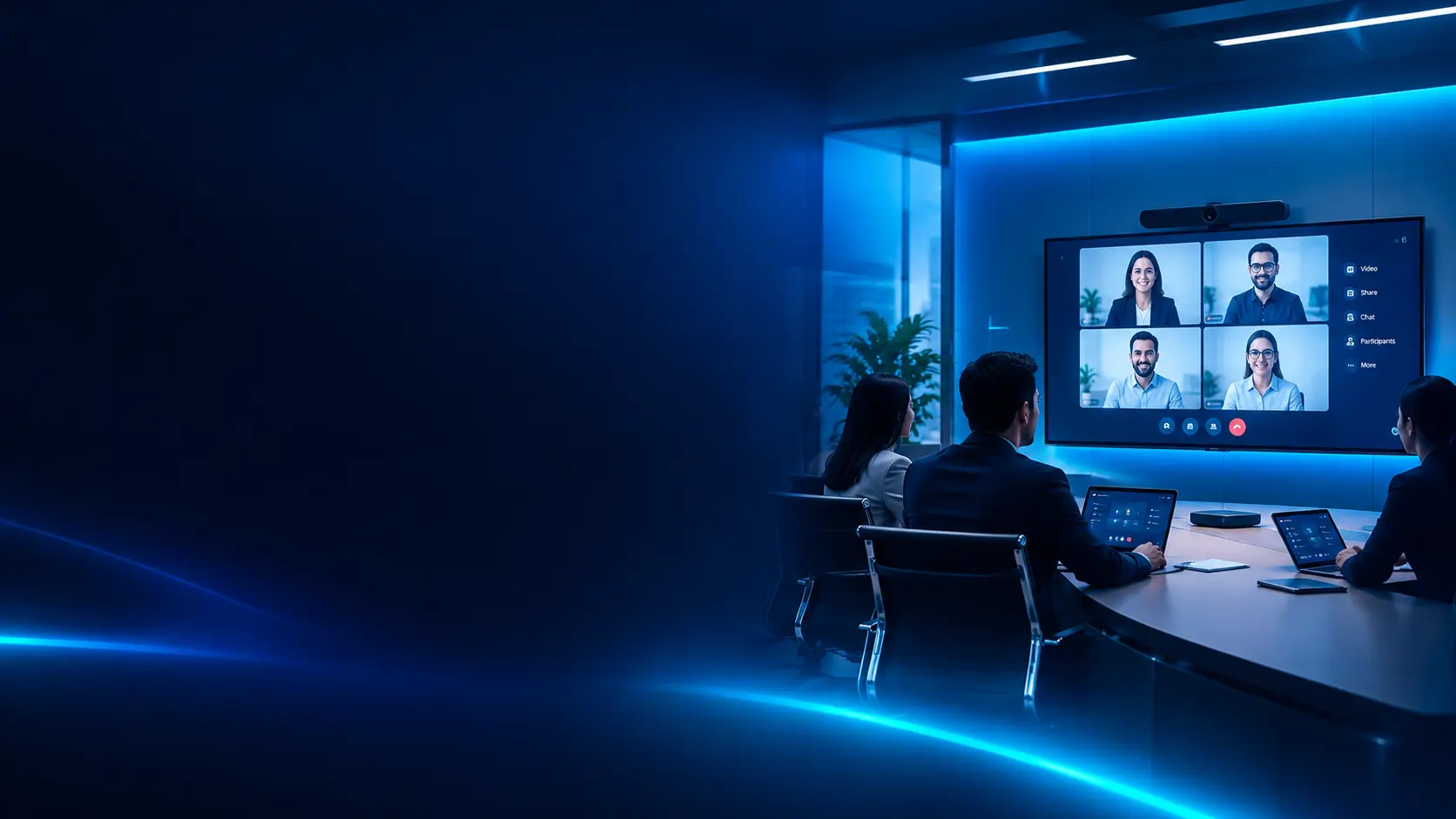
Key Takeaways
- Modern meeting rooms combine video, audio, displays, collaboration software, connectivity, and room controls to support productive in-person and hybrid meetings.
- The right solution depends on room size, participant count, meeting style, platform requirements, acoustics, lighting, and the organization's security policies.
- High-quality microphones, cameras, speakers, and displays are essential; advanced software cannot compensate for poor room acoustics or unsuitable hardware.
- Microsoft Teams Rooms, Zoom Rooms, and other conferencing platforms should be evaluated against existing workflows, licensing, interoperability, and support requirements.
- AI-enabled features such as speaker framing, noise suppression, transcription, and meeting summaries can improve usability, but availability depends on the platform, hardware, licensing, and configuration.
- Wireless presentation, room scheduling, occupancy information, and centralized device management can reduce friction for employees and IT teams.
- Standardizing room designs by room type can simplify procurement, deployment, support, and future upgrades.
- Organizations should assess total cost of ownership, including hardware, software subscriptions, installation, network readiness, warranties, maintenance, and lifecycle replacement.
What Is Modern Meeting Room Technology?
Modern meeting room technology refers to the connected hardware and software used to run meetings, presentations, video calls, and collaborative sessions in physical and hybrid workplaces.
A meeting room may include a conferencing camera, microphones, speakers, a display, a room computer or appliance, collaboration software, wireless content sharing, and a control interface. Larger or more specialized spaces may also require digital signal processing (DSP), multiple displays, ceiling microphones, tracking cameras, room scheduling panels, and integrated control systems.
The goal is to make meetings easier to start and more effective to participate in, regardless of whether attendees are in the room or joining remotely.
A well-designed room should help participants:
- Join scheduled meetings with minimal setup.
- Hear and see remote participants clearly.
- Share presentations and content without unnecessary delays.
- Collaborate on documents, whiteboards, and shared screens.
- Use consistent controls across different meeting spaces.
- Access the required collaboration platform securely and reliably.
The best solution is not necessarily the room with the most equipment. It is the one that meets the organization's actual meeting needs, works reliably, and can be supported throughout its lifecycle.
Why Meeting Room Technology Matters in 2026
Hybrid work has made meeting room experience an important part of workplace technology planning. Employees may join the same discussion from a boardroom, a home office, a branch location, or a mobile device. Meeting spaces therefore need to support both people in the room and people joining remotely.
More Inclusive Hybrid Meetings
A camera that captures only the front of a room or a microphone that picks up only nearby speakers can make remote participants feel disconnected. Appropriate camera placement, microphone coverage, speaker quality, and room layout help create a more balanced experience.
Less Time Spent on Setup
Different cables, unclear input selection, incompatible devices, and complicated controls can delay meetings. Standardized room configurations, clear instructions, and one-touch joining can reduce setup friction.
Better Use of Workplace Space
Room scheduling panels and booking integrations can help employees identify available rooms and reduce confusion around reservations. Where supported, occupancy information and analytics may also help workplace teams understand how spaces are used.
Consistent Collaboration Across Locations
Organizations with multiple offices can standardize room types, equipment, naming, configuration, and support procedures. This makes training easier and can simplify troubleshooting and procurement.
Improved IT Visibility
Centralized management tools may allow IT teams to monitor device status, apply approved updates, review room health, and identify recurring issues. The capabilities available depend on the chosen platform and hardware.
Core Components of a Modern Meeting Room
A successful meeting room is a complete system rather than a collection of unrelated devices.
Video Conferencing Cameras
Cameras capture in-room participants and help remote attendees follow the discussion. Options include USB cameras, all-in-one video bars, PTZ (pan-tilt-zoom) cameras, and multi-camera systems.
When choosing a camera, assess:
- Room dimensions and the distance between participants and the camera.
- Horizontal and vertical field of view.
- Resolution and image quality under actual room lighting.
- Optical zoom or PTZ requirements for larger spaces.
- Speaker tracking, group framing, or presenter tracking features.
- Compatibility with the room platform and computer or appliance.
- Mounting position, cabling, and ongoing firmware support.
Automatic framing and tracking can improve the remote experience, but organizations should test how these features behave with multiple speakers, presentations, and different seating layouts.
Microphones and Audio Pickup
Audio quality is one of the most important factors in video conferencing. Remote participants need to hear speech clearly without excessive echo, background noise, or uneven volume.
Possible microphone options include:
- Microphones integrated into video bars.
- Tabletop conference microphones.
- Ceiling microphone arrays.
- Wired or wireless expansion microphones.
- Dedicated microphones for presenters or training rooms.
Microphone selection should account for seating layout, room reverberation, background noise, HVAC systems, and the number of people who may speak at once.
Speakers and Audio Processing
Room speakers reproduce remote participants' voices. Audio processing helps manage echo, feedback, noise, and signal levels.
Larger rooms may need distributed speakers and a dedicated DSP rather than relying on a single integrated device. The design should prevent sound from becoming too loud near one seat and too quiet at another.
Displays and Interactive Screens
Displays are used for remote participants, shared content, presentations, and collaborative work. Depending on the room, a single commercial display may be sufficient, while larger spaces may benefit from dual displays that separate people from shared content.
Interactive displays can support annotation, digital whiteboarding, and collaborative workshops. Before procurement, check:
- Screen size and viewing distance.
- Resolution, brightness, and glare.
- Available inputs and connectivity.
- Touch and stylus capabilities, where required.
- Platform compatibility and software licensing.
- Wall mounting, power, ventilation, and cable routing.
Room Compute and Conferencing Platform
A room may use a dedicated conferencing appliance, a room PC, or a supported USB peripheral setup connected to a user laptop. The right design depends on the platform, user experience, room complexity, and IT management model.
Confirm platform certification and compatibility rather than assuming every camera, display, or audio device will support every meeting-room mode.
Wireless Presentation and Content Sharing
Wireless presentation allows participants to share screens or content without connecting a cable to the room display. Some solutions use native operating-system sharing, while others use dedicated hardware or applications.
Evaluate guest access, network requirements, supported devices, latency, security controls, and whether content sharing can operate alongside a video call. Keep a reliable wired or approved fallback option where meeting continuity is important.
Room Controls and Scheduling Panels
Touch controllers can provide access to meeting join, volume, camera, layout, and content-sharing controls. Scheduling panels outside rooms can display room availability and support booking workflows when integrated with the organization's calendar platform.
Controls should be intuitive, consistently labeled, and simple enough for occasional room users.
Choosing Technology by Meeting Room Size
Room size is a useful starting point, but it should not be the only design input. Seating layout, table shape, acoustic conditions, participant count, and the type of meetings held in the room can change the requirements.
| Room type | Typical use | Common technology considerations | |---|---|---| | Huddle room | Small, informal discussions | Integrated video bar, one display, simple content sharing, easy joining | | Small meeting room | Team meetings and client calls | Wider camera coverage, suitable microphone pickup, display sized for viewing distance | | Medium conference room | Cross-functional meetings and presentations | More deliberate camera and microphone placement, room controller, potentially dual displays | | Large boardroom | Executive meetings and larger groups | PTZ or multi-camera design, expanded microphone coverage, distributed speakers, DSP, dual displays | | Training or town-hall room | Presentations and larger audiences | Presenter capture, audience audio, content display, amplification, and potentially streaming or recording |
These are starting points rather than fixed specifications. A professional room assessment should validate camera coverage, speech pickup, display visibility, connectivity, and control requirements before equipment is ordered.
Microsoft Teams Rooms vs Zoom Rooms
Microsoft Teams Rooms and Zoom Rooms are common options for dedicated meeting room experiences. The best fit depends on the collaboration tools already used by the organization, meeting patterns, device compatibility, and administration requirements.
| Consideration | Microsoft Teams Rooms | Zoom Rooms | |---|---|---| | Primary fit | Organizations using Microsoft Teams as a core collaboration platform | Organizations using Zoom as a core meeting platform | | Calendar and meeting workflow | Designed around supported Microsoft 365 and Teams workflows | Designed around supported Zoom scheduling and meeting workflows | | Room hardware | Requires supported and compatible Teams Rooms components | Requires supported and compatible Zoom Rooms components | | Administration | Managed through supported Microsoft administration tools and policies | Managed through supported Zoom administration tools and policies | | Licensing | Confirm the appropriate room license and feature entitlements | Confirm the appropriate room license and feature entitlements | | Interoperability | Check supported options for joining non-Teams meetings | Check supported options for joining non-Zoom meetings |
Features, interoperability, hardware support, and licensing can change. Validate current vendor requirements and the exact room configuration before purchasing. A platform decision should consider the complete user experience, not just the meeting application.
AI-Powered Meeting Room Features
AI-enabled features are increasingly included in collaboration platforms and meeting devices. Their availability and behavior vary by product, subscription, hardware, language, and configuration.
Potential features include:
Intelligent Framing and Speaker Tracking
Camera software can frame a group or adjust the view toward an active speaker. This can make meetings easier to follow, especially when participants are seated around a table or presenters move around the room.
Noise Suppression and Audio Enhancement
Supported systems may reduce background noise and improve speech clarity. These features are useful, but they should complement suitable microphone placement and acoustic treatment rather than replace them.
Transcription and Meeting Summaries
Some collaboration services can produce transcripts, captions, notes, or AI-generated summaries when the required features are enabled. Organizations should check licensing, language support, accuracy, retention settings, consent requirements, and applicable privacy policies.
Participant and Content Views
Intelligent layouts may combine views of participants and shared content to help remote attendees follow discussions. The result depends on the camera system, room layout, and platform capabilities.
Governance for AI Features
Before enabling AI meeting features, organizations should define:
- Who can enable recording, transcription, or summaries.
- How participants are notified.
- Where meeting data is stored and who can access it.
- Retention and deletion rules.
- Whether external guests can access generated content.
- How sensitive meetings and confidential information are handled.
AI features should be assessed for practical value, privacy, governance, and user acceptance.
Network, Security, and Reliability Requirements
Meeting room systems rely on stable connectivity, secure device configuration, and dependable access to collaboration services.
Network Readiness
Before deployment, review:
- Wired network availability and port capacity.
- Wi-Fi coverage where wireless connectivity is required.
- Internet bandwidth and expected concurrent meetings.
- Quality of Service (QoS) policies where appropriate.
- DNS, firewall, proxy, and service endpoint requirements.
- VLAN or network segmentation design.
- Power over Ethernet (PoE) requirements for supported devices.
- Network access needed for management, updates, and monitoring.
The exact requirements depend on the platform and equipment. Use current vendor documentation and test the room under realistic conditions.
Device and Account Security
Meeting room devices should be managed as part of the organization's IT environment. Recommended controls may include:
- Dedicated room accounts where required by the platform.
- Multi-factor authentication for administrative access where supported.
- Least-privilege permissions.
- Supported firmware and operating-system updates.
- Restricted physical access to room PCs and network ports.
- Secure remote administration.
- Centralized inventory and configuration records.
- Documented offboarding and device reset procedures.
Avoid sharing personal administrator credentials with room users. Define who owns room accounts, licensing, updates, and access reviews.
Reliability and Support
A room that fails just before an important meeting can disrupt business operations. Organizations should define incident ownership, escalation paths, spare-device strategy, and replacement procedures.
For critical rooms, consider monitoring, documented recovery steps, backup connection options, and support arrangements that match the business impact of downtime.
Meeting Room Design: Acoustics, Lighting, and Layout
Equipment specifications alone do not guarantee a good meeting experience. The physical room affects how well cameras, microphones, speakers, and displays perform.
Acoustics
Hard surfaces can create echo and reverberation. Where needed, acoustic panels, curtains, carpeting, ceiling treatments, or other appropriate materials can improve speech intelligibility.
Lighting
Cameras perform better when faces are evenly lit. Avoid placing participants directly in front of bright windows without suitable lighting control. Check how daylight changes throughout the day.
Camera Position
Place cameras at a natural viewing height where practical. Ensure participants are visible without excessive distance, obstruction, or extreme viewing angles.
Display Visibility
Screen size and placement should suit the room's dimensions and seating. Participants should be able to read shared content without straining or turning away from the discussion.
Cable Management and Power
Plan for display power, network ports, USB connections, control cabling, and equipment ventilation. Clean installation reduces trip hazards and makes future maintenance easier.
Accessibility
Consider captions, assistive listening requirements, readable controls, accessible room entry, and the needs of participants with different hearing, vision, or mobility requirements.
Room Booking, Occupancy, and Workplace Integration
Meeting room systems can integrate with calendars, booking applications, and workplace tools to help employees locate and use spaces efficiently.
Depending on the solution, organizations may deploy:
- Scheduling panels outside rooms.
- Calendar-based room reservations.
- Room availability displays.
- Supported occupancy sensors.
- Usage reports and space utilization analytics.
- Digital signage for workplace information.
Define who can book rooms, how cancellations are handled, and whether unused bookings can be released automatically. If occupancy analytics are used, establish appropriate privacy notices, data access rules, and retention periods.
Analytics should inform workplace planning without being treated as a complete measure of collaboration quality or employee productivity.
Procurement Checklist for Meeting Room Technology
A structured procurement process reduces compatibility problems and helps organizations compare proposals consistently.
1. Document the Use Case
Identify room types, expected participant numbers, meeting frequency, hybrid-work requirements, presentation needs, and any specialized use such as training or executive meetings.
2. Confirm Platform and Compatibility
Document the preferred meeting platform, calendar integration, supported room mode, peripheral compatibility, licensing, and guest meeting requirements.
3. Define Audio and Video Coverage
Ask suppliers to specify camera coverage, microphone pickup, speaker design, display configuration, and any acoustic or lighting requirements. Validate the design against the actual room layout.
4. Review Connectivity and Security
Confirm network ports, PoE, VLANs, firewall access, device management, account ownership, firmware support, and security responsibilities.
5. Compare the Complete Bill of Materials
The quotation should clearly identify device models, quantities, accessories, mounting kits, cables, licenses, installation services, configuration, and any required subscriptions.
6. Check Warranty and Support
Review warranty duration, advance replacement availability, local support, response targets, firmware support periods, and the process for handling defective equipment.
7. Plan Installation and Acceptance Testing
Define who will install and configure the system, test joining and sharing, verify camera and microphone coverage, document credentials securely, and train users.
8. Plan for Lifecycle Management
Record serial numbers, asset owners, room locations, warranty dates, software subscriptions, and replacement timelines. Standardized room designs can simplify future upgrades.
Total Cost of Ownership for Meeting Rooms
The purchase price is only one part of the cost of a meeting room system.
A practical total cost of ownership (TCO) assessment may include:
Meeting Room TCO
|
+-- Hardware
|   +-- Cameras and video bars
|   +-- Microphones and speakers
|   +-- Displays and mounts
|   +-- Room compute and controllers
|   +-- Cables and accessories
|
+-- Software
|   +-- Room licenses
|   +-- Collaboration subscriptions
|   +-- Device management tools
|
+-- Deployment
|   +-- Site survey and design
|   +-- Installation and configuration
|   +-- Network and electrical work
|   +-- User training
|
+-- Operations
|   +-- Support and maintenance
|   +-- Firmware and software updates
|   +-- Repairs and replacements
|   +-- Monitoring and administration
|
+-- Lifecycle
    +-- Warranty extensions
    +-- Technology refresh
    +-- Disposal and replacement planning
When comparing proposals, make sure each supplier is quoting a comparable scope. A lower hardware price may not include room design, installation, licenses, acoustic improvements, support, or the accessories needed for a complete deployment.
Common Meeting Room Technology Mistakes
Choosing Equipment Before Assessing the Room
A camera or video bar that works well in a small room may not provide adequate coverage in a large boardroom. Assess the space before finalizing specifications.
Ignoring Microphone Coverage
Participants may appear clearly on screen but remain difficult to hear. Test audio pickup from every expected seating position.
Assuming Every Device Is Compatible
USB connectivity does not guarantee full compatibility with every room platform or feature. Verify certification, supported modes, firmware, and licensing.
Overlooking Network Requirements
Firewall restrictions, unstable connectivity, or inadequate network planning can affect meeting quality and device management. Involve IT teams before installation.
Buying Different Systems for Every Room
Unplanned variation increases training and support effort. Standardize room types where possible while allowing for genuine differences in room size and purpose.
Underestimating Software and Support Costs
Licenses, management tools, maintenance, and replacement parts can materially affect long-term cost. Include them in the comparison.
Failing to Train Users
Even well-designed systems can be underused if employees do not know how to join meetings, share content, adjust controls, or request help.
Not Planning for the Next Refresh
Room systems have different support periods and replacement cycles. Maintain asset records and a refresh plan to avoid unexpected failures and compatibility issues.
A Practical Meeting Room Assessment
Before choosing a solution, answer the following questions:
- How many meeting rooms need to be equipped?
- What are the dimensions and seating layouts of each room?
- How many participants typically attend in person and remotely?
- Which collaboration platforms are used across the organization?
- Are meetings primarily discussions, presentations, training sessions, or executive reviews?
- Is wireless content sharing required for employees and guests?
- Are interactive displays, digital whiteboarding, or dual screens needed?
- What are the current network, power, and cabling constraints?
- Are recording, transcription, captions, or AI meeting features required?
- What security, privacy, and compliance requirements apply?
- Who will manage room accounts, licensing, updates, and support?
- What budget is available for hardware, deployment, subscriptions, and ongoing maintenance?
- Are rooms required to follow a common standard across offices?
- What warranty, support, and replacement arrangements are needed?
The answers help create a room-by-room bill of materials and a deployment plan aligned with business needs.
How Movantech Supports Collaboration and Workplace Technology
Movantech helps businesses source enterprise technology across collaboration and workplace solutions, audiovisual systems, networking, cybersecurity, servers and storage, structured cabling, and IT procurement.
Depending on project requirements, organizations may need assistance with:
- Video conferencing and meeting room equipment.
- Conference cameras, microphones, speakers, and video bars.
- Commercial displays and interactive collaboration screens.
- Room controllers and wireless presentation solutions.
- Network switches, wireless access points, and connectivity.
- Structured cabling and supporting infrastructure.
- Power and infrastructure accessories.
- Vendor coordination, product sourcing, and technology lifecycle planning.
Movantech can help organizations define equipment requirements, compare product specifications, prepare procurement options, and source suitable technology from established vendors. Final product selection should be based on room design, platform compatibility, technical requirements, availability, and support needs.
For multi-room or multi-office deployments, a standardized approach to specifications and procurement can help simplify installation, user training, inventory management, and future upgrades.
Conclusion
Modern meeting room technology is about more than installing a camera and display. Productive collaboration depends on the right combination of audio, video, room compute, conferencing software, network readiness, security, acoustics, and intuitive controls.
Organizations should start by understanding how each room will be used, then select equipment and platform configurations that fit the space and the users. Compatibility checks, procurement discipline, installation testing, user training, and lifecycle planning are equally important.
AI-enabled meeting features and room analytics can add value when they solve a clear business problem and are deployed with appropriate privacy and governance controls. They should complement, not replace, a reliable room design.
A consistent, supportable meeting room standard can help organizations improve hybrid meeting experiences while controlling deployment complexity and long-term costs.
Build Better Meeting Experiences with Movantech
Planning to upgrade conference rooms, equip a new office, or standardize collaboration technology across multiple locations?
Movantech can help you assess enterprise technology requirements and source suitable collaboration, audiovisual, networking, and workplace infrastructure solutions.
Contact Movantech to discuss your meeting room technology requirements and explore options aligned with your room sizes, collaboration platforms, deployment plans, and budget.